Best AI Email Assistant for Gmail in 2026: 7 Picks Compared
The best AI email assistant for Gmail depends on where you work. We compare 7 picks by where they run, what they send and who clicks Send.
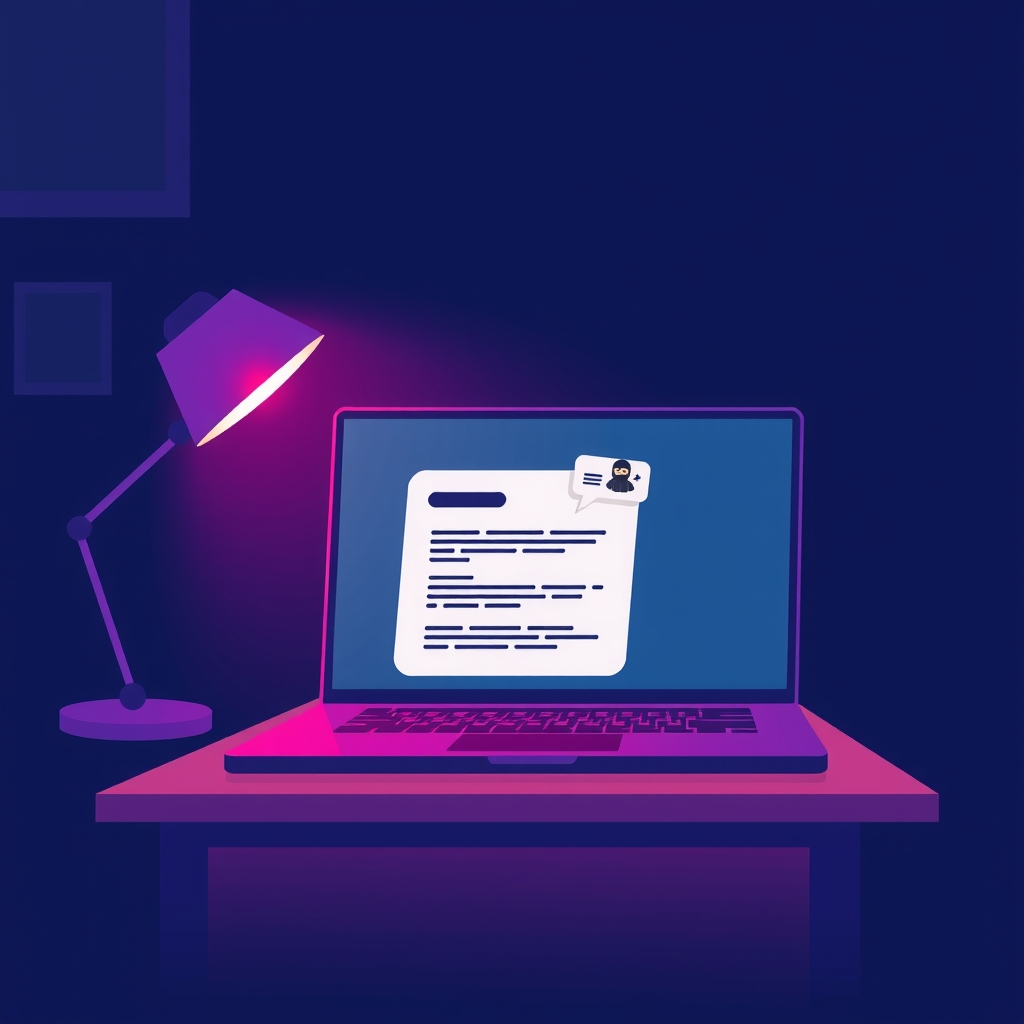
The best AI email assistant for Gmail on a Mac is Ninja Bots, which offers to draft a reply when an email is open in Gmail in your browser and never sends it by itself. If you are not on a Mac, Gemini in Gmail is the choice built into Gmail itself, while Superhuman and Shortwave suit people who want a new email app around their Gmail account.
An AI email assistant for Gmail is a tool that reads an email in your Gmail account and helps you act on it, most often by drafting a reply, summarizing a thread or sorting the inbox, with you or your rules deciding what gets sent. This guide focuses on Gmail specifically. For a wider look across Apple's Mail, Outlook and other clients, see our best AI email assistant roundup.
What is the best AI email assistant for Gmail?
It depends on where you read Gmail and how much you want the assistant to do alone. Pick by where you work first, then by what the tool may send without you.
- Ninja Bots: best for Gmail users on a Mac who already have a Claude or ChatGPT plan, an API key or a local model.
- Gemini in Gmail: best if you want AI inside Gmail itself, on the web and on your phone.
- Superhuman: best if you want a fast, keyboard-driven email app with AI built in.
- Shortwave: best if you want an email app made around Gmail accounts with an AI assistant in it.
- Lindy: best if you want an agent that handles email by rules you set.
- ChatGPT and Claude: best for occasional help on one hard email in a general chat app.
How we judged these Gmail assistants
We compared each tool on five public, checkable points. None of them is a benchmark score; they are the questions that decide whether a tool fits your day.
- Where it runs: inside Gmail, in its own email app, in a chat app, on the web, or on your Mac.
- Which AI it uses: the vendor's own model, or a plan, key or local model you bring.
- What it can do on its own: draft only, or also send, label and archive by rules.
- What it sends where: the open email, the whole thread or your inbox, and to which provider.
- Price model: included in a plan you have, its own subscription, or a free tier.
1. Ninja Bots: the best AI email assistant for Gmail on a Mac
Ninja Bots is an AI assistant for the Mac: a team of AI bots that comes with Mac Ninja on the same license and runs on your own AI. Ninja, the always-on bot in the menu bar, offers to draft a reply when an email is open in Apple's Mail or in Gmail in a browser, so help shows up while you read instead of waiting in a chat tab. See what Ninja Bots does.
Why it leads for Mac users
- It drafts, it never sends. The draft appears in a small bubble for you to read and edit, goes into a reply only when you click, and is sent only when you click Send.
- It sounds like you. From Mac Ninja 1.8.1, if you wrote an About me for your bots in Ninja Bots, your own lines go along with the email. The switch Use My Own Lines in Email Drafts turns that off.
- It runs on the AI you already have. Your Claude plan (through Claude Code), your ChatGPT plan (through Codex), an OpenAI or Anthropic API key, or a model on the Mac such as Ollama or LM Studio. Mac Ninja adds no fee per request. Bring your own AI.
- What is sent stays narrow. In Gmail, the conversation the email belongs to goes to your chosen model only after you take the offer. Lines that look like a password, a key, or a card, bank or identity number are never sent with your About me. Bots, conversations and settings stay on the Mac, and nothing about your emails goes to macninjaa.com. What is sent where.
- It is more than email. Ninja has 26 skills, such as joining a meeting about to start or reading the text in a screenshot, and the ask bar (from Mac Ninja 2.0) lets you type a question from any app. You can also build other bots, each with its own instructions, model, schedule and conversations.
How to set it up for Gmail
- Download Mac Ninja and start the free 7-day trial (no card needed) from the download page.
- Open Ninja Bots with a click on the menu bar ninja and set up your AI plan, key or local model. Steps are on the support page.
- Allow Mac Ninja under Accessibility in System Settings. The Gmail offer needs macOS 13 or later.
- Optionally, write an About me for your bots so drafts use your voice.
- Open an email in Gmail in your browser, take Ninja's offer, edit the draft, put it into the reply, and click Send yourself.
Honest limits
Ninja Bots runs only on a Mac (macOS 12 or later, Apple silicon or Intel) and needs Mac Ninja with a license or its trial, plus your own AI plan, key or local model; without one, the bots have nothing to think with. The Gmail offer works for Gmail in English in a browser. Outlook and other mail sites are not supported yet, and its one email offer today is drafting replies, not sorting or labeling your inbox. Bots you create start with Full access: they can run commands, change files and use the internet without asking each step, and the screen once allowed in System Settings. They still ask before using a saved login, setting up a routine, adding a skill or talking to another bot; lower access in a bot's Permissions if it does not need it. AI models make mistakes, so read every draft before you send it. All limits.
Price: included in Mac Ninja, $19.99 a month or $200 a year for up to 3 Macs, with a 14-day money-back guarantee. No AI subscription is included. See plans.
What are the other good AI email assistants for Gmail?
Six other tools are worth a look, and each has one clear strength. Details below are their public characteristics; check each vendor's site for current plans.
2. Gemini in Gmail
Google's Gemini is built into Gmail for people on eligible Google Workspace and Google One plans. Strength: nothing to install; it helps write and summarize inside Gmail on the web and in the Gmail mobile apps.
3. Superhuman
Superhuman is its own email app that connects to Gmail and Outlook accounts, with AI writing and inbox features. Strength: speed, with a keyboard-first design for people who handle a lot of mail.
4. Shortwave
Shortwave is an email app built around Gmail accounts, with an AI assistant that can search, summarize and draft. Strength: it is made for Gmail, so labels and threads behave the way Gmail users expect.
5. Lindy
Lindy is a web-based platform for building AI agents that connect to apps, Gmail among them. Strength: rule-based automation, so an agent can triage or answer certain emails the way you configure it.
6. ChatGPT
ChatGPT is OpenAI's general assistant on the web, desktop and phone. Strength: flexibility; paste a tricky email and ask for three tones of reply, then copy the one you like.
7. Claude
Claude is Anthropic's general assistant on the web, desktop and phone. Strength: long, careful writing, useful when a reply needs to cover a long thread or a sensitive topic.
For more general picks beyond email, see our best AI assistant comparison.
How do these Gmail AI assistants compare?
The table shows where each tool runs and who decides what gets sent. Read it with your own setup in mind.
| Tool | Where it runs | Which AI | How it works with Gmail | Sends on its own | Price model |
|---|---|---|---|---|---|
| Ninja Bots | Mac (macOS 12+; Gmail offer needs 13+) | Your Claude plan, ChatGPT plan, API key or local model | Offers a draft when a Gmail email is open in your browser | No, you click Send | Included with a Mac Ninja license; AI is your own |
| Gemini in Gmail | Inside Gmail, web and mobile | Google's Gemini | Built into Gmail | No, you send | Part of eligible Google plans |
| Superhuman | Its own email app, desktop, web and mobile | Its built-in AI | Email app connected to your Gmail account | No, you send | Paid subscription |
| Shortwave | Its own email app, web and mobile | Its built-in AI | Email app built for Gmail accounts | No, you send | Free tier and paid plans |
| Lindy | Web | Its own model choices | Connects to Gmail as an integration | Depends on how you set it up | Free tier and paid plans |
| ChatGPT | Web, desktop and mobile apps | OpenAI models | Paste an email, or connect apps where offered | No, you copy and send | Free and paid plans |
| Claude | Web, desktop and mobile apps | Anthropic models | Paste an email, or connect apps where offered | No, you copy and send | Free and paid plans |
How do you choose an AI email assistant for Gmail?
Start with the device you read Gmail on, then decide how much access you are willing to give. The right tool fits where you already work rather than asking you to move.
If you read Gmail in a browser on a Mac
An assistant on the Mac, like Ninja Bots, offers help on the email you have open and can do other Mac work too. It also lets you keep the AI plan you already pay for.
If you read Gmail on your phone most of the day
Gemini in Gmail or a mobile email app like Superhuman or Shortwave will reach you there. Ninja Bots has no iPhone version.
If you want the inbox handled without you
A rule-based agent like Lindy is built for that. Start with drafts only, review results for a week, and widen what it may do slowly.
If you care most about what leaves your computer
Ask three things of any tool: what it reads (one email, a thread, or your whole inbox), where that goes (which provider, on whose account), and whether it keeps it. With a model on the Mac, Ninja Bots keeps the model's work on the Mac. For the wider checklist, see what an AI personal assistant is and our guide to AI agents.
Who should pick something other than Ninja Bots?
Ninja Bots is a Mac tool for people who bring their own AI. Choose another option if any of these describe you.
- You use Windows, an iPhone only, or Gmail on the web from a computer that is not a Mac.
- You have no Claude or ChatGPT plan, no API key and no local model, and do not want one.
- You want a bot that sends email for you; Ninja Bots drafts and stops.
- You mostly use Outlook or another mail site, which are not supported yet.
- You read Gmail in a language other than English and want the Gmail offer.
What should you do next?
If you read Gmail on a Mac and already have an AI plan, key or local model, try Ninja Bots for seven days with no card. Download Mac Ninja, set up your AI from the support page, open an email in Gmail and take Ninja's first offer. Read the draft, edit it, and send only what you would sign. If you are still comparing tools for other jobs, our best AI apps for Mac and personal assistant AI app guides cover the rest.
Frequently asked questions
Can an AI assistant send Gmail replies for me?
Some can. Rule-based agents such as Lindy can be set up to act on email, including replying, depending on how you configure them. Ninja Bots never sends by itself: it shows a draft you can edit, puts it into the reply when you click, and the email goes out only when you click Send. Whichever tool you use, read AI drafts before they reach anyone.
Is there a free AI email assistant for Gmail?
ChatGPT and Claude have free plans, so you can paste a Gmail email and ask for a reply at no cost, within those plans' limits. Shortwave and Lindy offer free tiers. Ninja Bots comes with Mac Ninja, which has a 7-day free trial without a card, and it needs your own AI plan, API key or a model running on your Mac.
Does Ninja Bots work with the Gmail app on iPhone?
No. Ninja Bots runs only on a Mac with macOS 12 or later, and its offer to draft Gmail replies needs macOS 13 or later, Accessibility allowed for Mac Ninja, and Gmail in English open in a browser. There is no iPhone, Windows or web version. If you read most email on your phone, a tool that lives inside Gmail or a mobile email app fits better.
Does Ninja Bots work with Outlook?
Not yet. Today Ninja offers to draft replies to emails open in Apple's Mail app and in Gmail in a browser. Outlook and other mail sites are not supported. If Outlook is your main inbox, look at tools built for it, and check the honest limits on the Ninja Bots page for the current state of support.
Do I need a ChatGPT or Claude subscription to use Ninja Bots?
You need one source of AI: a Claude plan, a ChatGPT plan, an OpenAI or Anthropic API key, or a model on your Mac through Ollama, LM Studio or another OpenAI-compatible server. Ninja Bots has no AI subscription of its own. Your plan's or key's own limits, terms and prices apply, and Mac Ninja adds no fee per request.
What does a Gmail AI assistant send to the AI provider?
It varies by tool, so check each one. With Ninja Bots, the Gmail conversation goes to the model you chose only after you take the offer to draft a reply, along with your About me lines unless you turn that off. Nothing about emails goes to macninjaa.com, and with a model on the Mac, the model's work stays on the Mac.
Published November 20, 2026. Spotted a mistake? Email support@macninjaa.com.